
A Simple Website Checklist for AI Search
Check access, useful content, business details, and measurement before spending time on extra AI-search tactics.
On this page
Start with the pages a customer needs to choose your business. Make them accessible, accurate, and useful, then check what search tools report about them.
Use this checklist with the person who manages your website. Record what passes, what needs fixing, and what you could not verify. Work on confirmed problems first.
1. Check that search tools can reach the pages
Open each important service page and check that it works without a login. Ask your developer to review robots.txt, page indexing instructions, and any hosting rules that might block search crawlers.
OpenAI uses OAI-SearchBot for ChatGPT search. GPTBot is a separate control for content that may be used in model training. Ask your developer to review the settings for the use you intend; allowing search does not require allowing training.
2. Check whether Google has indexed them
Use URL Inspection in Google Search Console for your home page and main services. A page can be accessible and still be absent from Google's index. Save the reported status and any issue that needs attention.
Google says supporting links in its AI search features must be indexed and eligible for a search snippet. There is no extra technical requirement for those features. If a page is missing, follow the Google visibility troubleshooting guide before buying another tool.
3. Put useful facts on the page
Read each service page and check that it explains the offer, who it is for, the area served where relevant, the pricing or quoting process, and the next step.
Keep important answers as visible text. Add examples, photographs, or process details where they help someone understand the work. Use actual evidence and clearly label any illustrative example.
4. Keep your business details consistent
Review your website and the business profiles you manage. Correct outdated contact details, hours, services, or service areas. If a profile does not apply to your business, do not create inaccurate information just to fill a field.
Ask your developer to check that structured data, the labels search engines can read in your page code, matches what visitors see. Google does not require special AI schema or an extra AI text file for its AI search features.
5. Make important pages easy to find
Use navigation and relevant internal links to lead people to the service pages. Include the intended public URLs in your sitemap. Do not create several nearly identical pages simply to target variations of the same question.
If someone cannot find an answer without searching the entire site, improve the page structure before publishing more.
6. Decide how you will judge progress
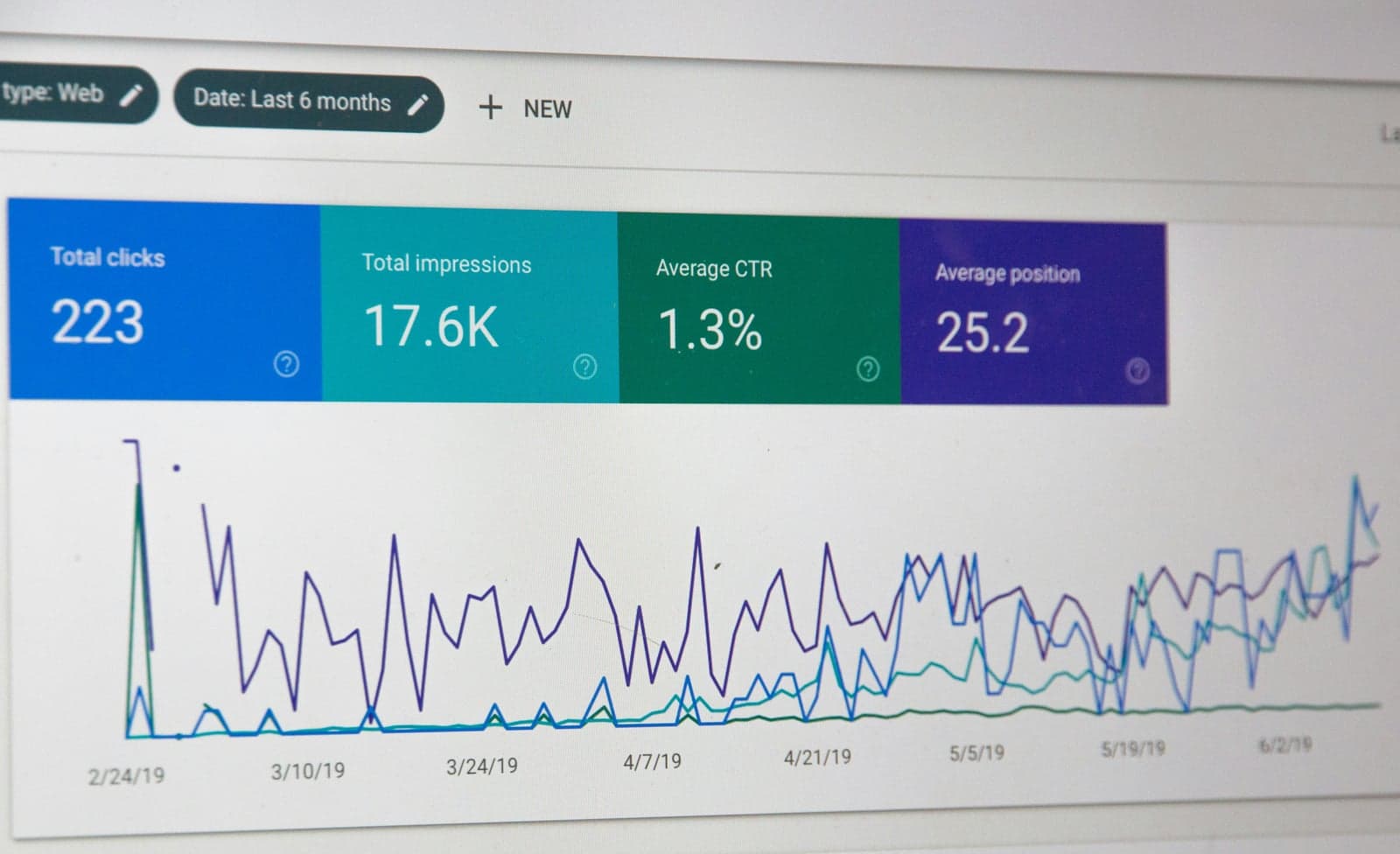
Note the date of each change. Review search impressions and clicks over a stated period, then look separately at visits and confirmed inquiries. A contact-button click is not a completed inquiry.
If you sample AI answers, save the exact questions, tools, dates, answers, and citations. Repeat the same checks over time. Results can vary, and an isolated mention does not establish a dependable source of customers.
Use the findings to choose the next useful fix. Completing this checklist improves the information and access you control; it does not guarantee indexing or a citation.